
Do you have what you need to work from home? A home workspace should balance comfort with practicality to help eliminate distractions, alleviate fatigue, and encourage productivity. Here are some ideas to get you thinking about the essentials you need to properly start working from home.
Wireless Keyboard
By spending all day typing on your thin laptop keyboard, you are at risk of getting carpal tunnel syndrome. Carpal tunnel syndrome is when one’s median nerves are pressed or squeezed, so much so that one experiences numbness or pain in their fingers, hands, and wrists. And according to the National Institute of Neurological Disorders and Stroke, women are three times more likely to develop carpal tunnel syndrome than men. Extreme cases of carpal tunnel syndrome can lead to loss of finger muscle and the inability to distinguish between hot and cold through touch.
In the long run, by investing in a wireless keyboard, you can save your hands and wrists from the unnecessary strain and pain that comes from holding your wrists in an unnatural position. Wireless keyboards are oftentimes heftier than laptop keyboards and ergonomically designed to give your wrists the support they need. And without strain on your wrists, you can work longer and be more productive while working from home.
Ergonomic Desk Chair
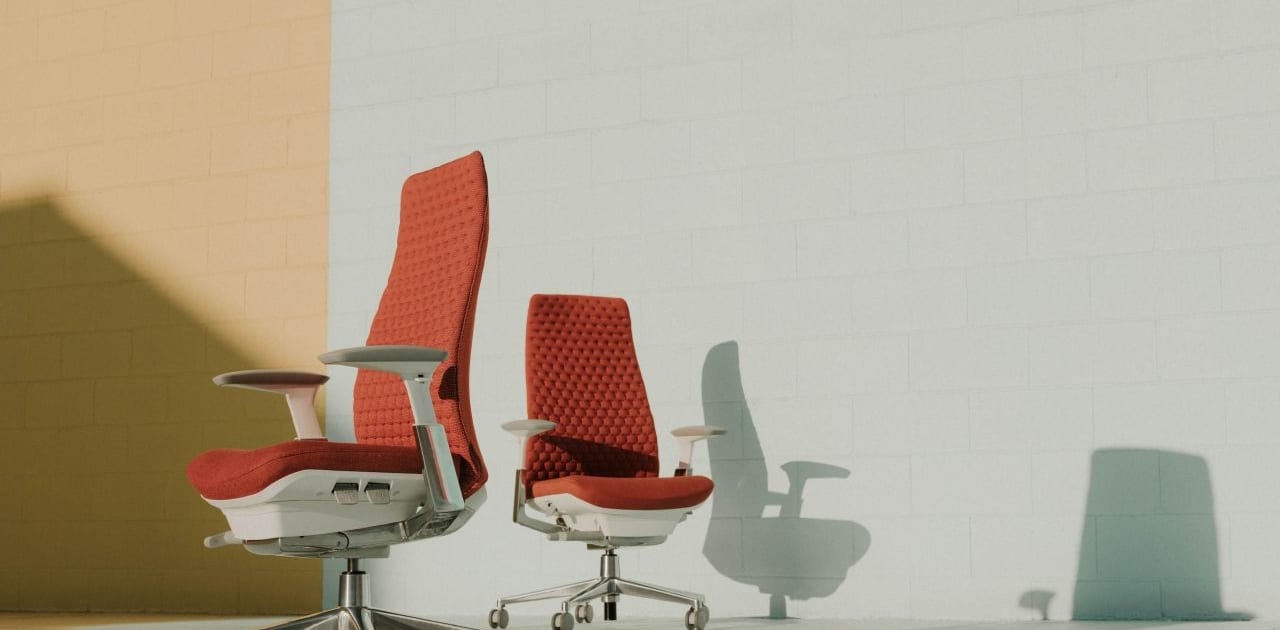
When working from home, you may be tempted to sit on the sofa or even in your bed. But for a productive, pain-free day, an ergonomic desk chair is the best seating option for your workspace. An ergonomic desk chair has a backrest that forms to the natural curvature in your spine, supporting proper posture and reducing unnecessary stress on your body. There are also ergonomic footrests. An ergonomic footrest supports your entire foot, reducing your chances of developing circulatory conditions. Because having your feet flat on the floor for long periods of time can lead to poor blood circulation.
Timer
Without the natural interruptions of a busy office, you may find yourself staring at your computer screen for longer periods of time and sitting in the same position for hours. When working at home, it is important to remember to take short breaks to stand up and stretch and rest your eyes from blue light. To remind yourself to take a break, set a timer. This timer will also help you distinguish relaxation time from work time. Therefore, you’ll have an easier time resisting distractions and being productive in the comfort of your home workspace.
Lighting
Dim lights at home can cause eye strain and increase fatigue. If you’re home workspace is not set up by a window, consider getting a natural light desk lamp. A natural light desk lamp gives daily and seasonal cycles of natural light, making you indoor workspace feel outdoors. Natural light can help improve your mood and give you the energy you need to get projects done on time. It can also help you gain a better night’s sleep.



